How BaldyNotes keeps your notes private
Your notes are locked (encrypted) on your own device before they are stored or sent anywhere. Here is what that means in practice.
On one device
Your notes, pictures and settings stay on that device, encrypted. Nothing about them is sent to us. You do not need an account.
If you sync
With BaldyNotes Plus your notes are sent to our sync service so your other devices can get them. They are encrypted on your device first, and only your devices have the key. We cannot read them, and nor could anyone who broke into our servers. Your username and password never leave your device either.
Extra locks you can add
- A password for everything: BaldyNotes asks for it each time it opens.
- A PIN on one tab: that tab stays locked until you type its PIN.
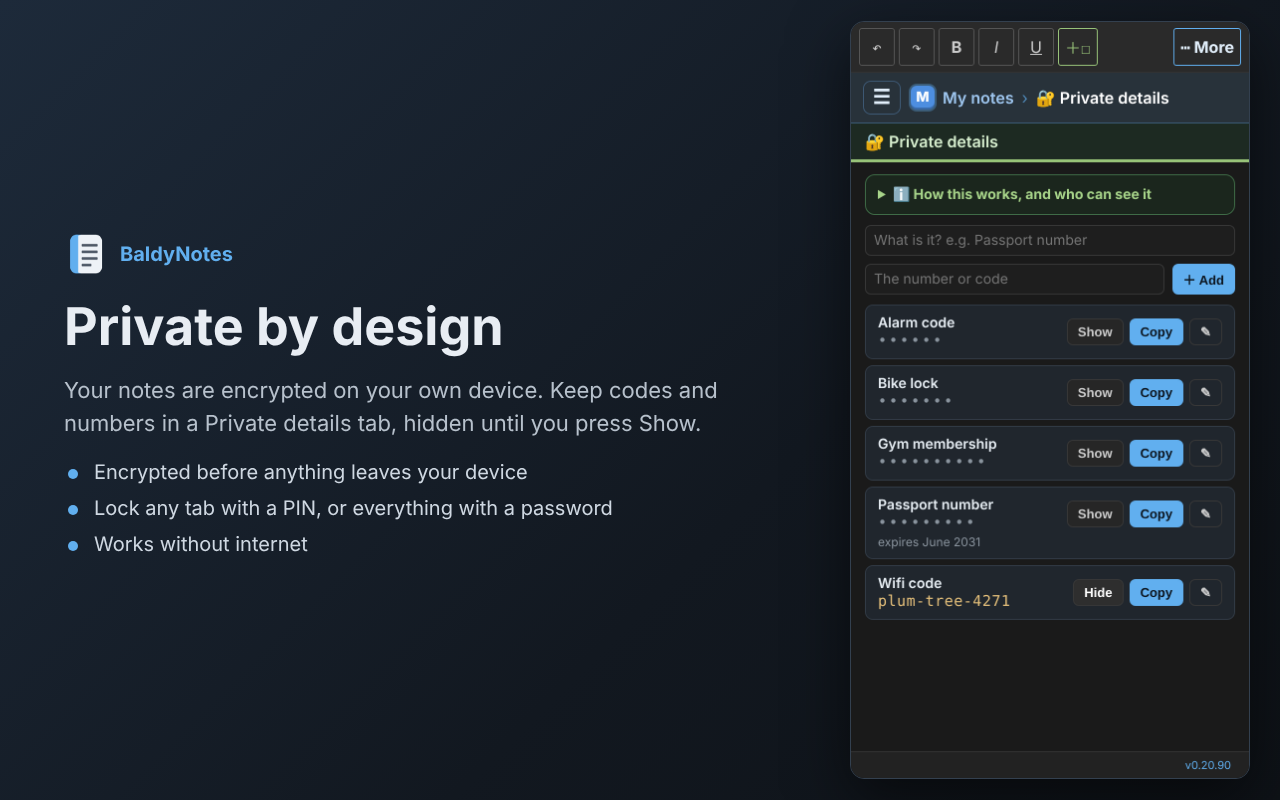
- A Private details tab: made for codes and numbers such as a wifi code or a passport number. Each value shows as dots until you press Show, and hides again after 30 seconds.
The one exception
If you choose to show your Planner in Google or Apple Calendar, those events have to be readable by the calendar app, so they are sent in a readable form. That is off unless you switch it on, and the app explains it before you do.
Good to know
- It works without internet.
- You can back up to a file on your computer, to Google Drive or to OneDrive.
- The full details are on the privacy page.